

Tour 1: Editing
Rosegarden gives you all the editing tools you need to get your ideas down as easily as possible. Start with a track-based overview, in which you just drag with the mouse to create "segments" and double-click to edit them, or right-click for more options.
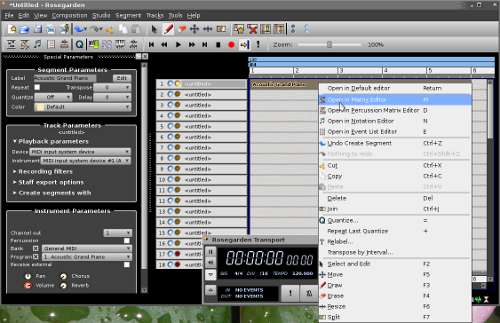
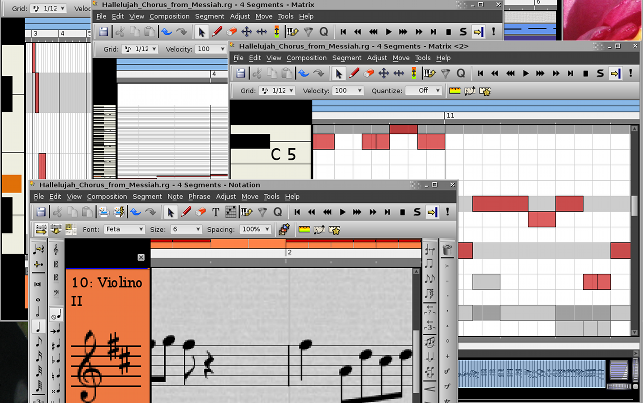
All of the different editing windows – the matrix editor, notation editor and event editor – have the same common interface, in which you just sweep to select and drag to move, stretch and squash and so on. You can enter notes from a MIDI keyboard – whether by recording in real-time or step-by-step – or by "playing" the PC keyboard to enter intervals relative to the active key signature, or you can simply draw them with the mouse.
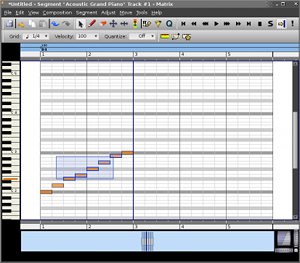
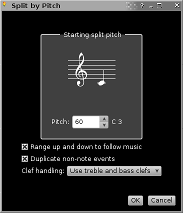
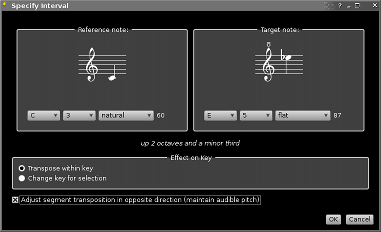
You get unlimited undo and redo everywhere, and the standard editing tools are clear and consistent to use.
 |  |  |
The pan and zoom interface found at the bottom of the matrix and notation editors provides unlimited axis-independent zoom and rapid navigation. This interface also facilitates working with more than one segment in the same editor, and both editors are capable of editing an unlimited number of segments at the same time.
And liberal use of tooltips, keyboard shortcuts and an online, wiki-based help system make the whole thing even more straightforward.
Next: MIDI